

Orders your team can follow
Let customers order from your menu. Your team gets the details and reviews what needs approval.
Explore self-orderingCreate your digital menu, let customers order,
and keep your team organised. All in one place.
Let customers order from your menu. Your team gets the details and reviews what needs approval.
Explore self-ordering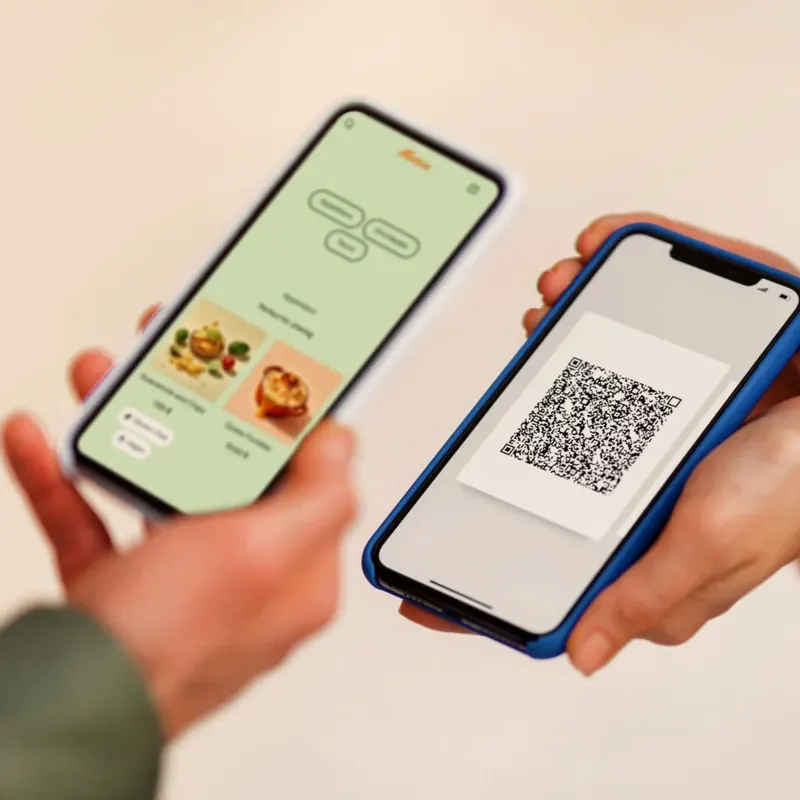
Customers can open your menu on their phones with a QR code or link. No app to download.
Explore digital menus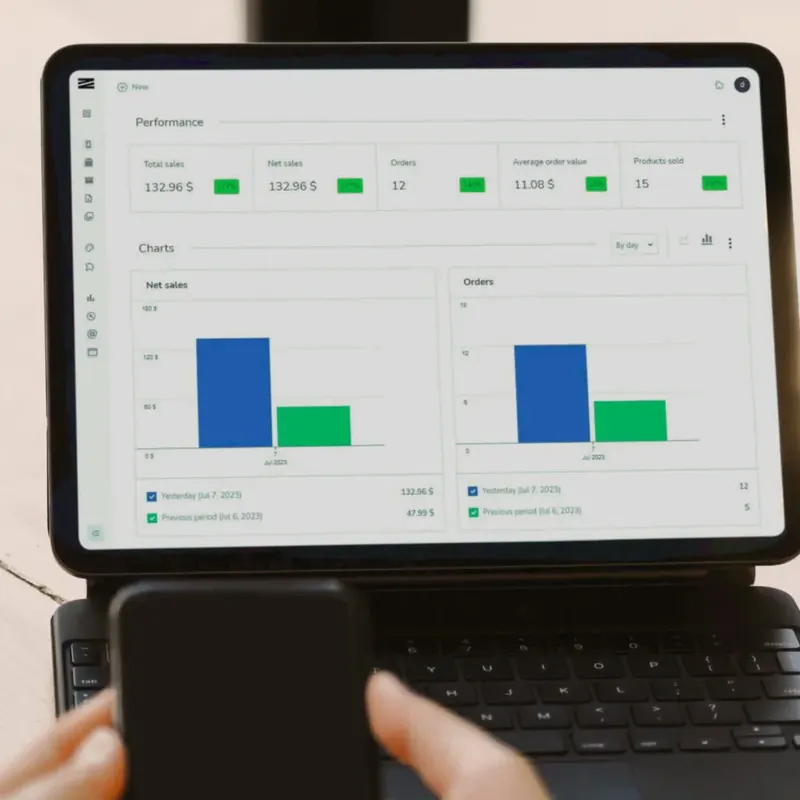
See your popular dishes and busiest times using the orders recorded in Zeera.
Explore order insightsAdd your logo, photos and colours to a digital menu that feels like your restaurant.
Add your dishes, arrange your categories and publish when you're ready. Share your menu with a QR code or link.
Explore digital menusLet customers place orders from your menu. Give your team a clear view of the work ahead, from reception to the kitchen.
The kitchen has enough on its plate. Give your team the order details in one place.
Choose a plan and add your business details.
Add your dishes, photos and prices. Arrange your categories and review your menu.
Publish when you're ready for customers to see it. Share your menu link or QR code.
Start with a 3-day free trial. Find the tools that fit your business.
Create and share your digital menus.
$25USD / month
Connect your menu, orders and kitchen.
$50USD / month
Zeera is software. You can use compatible phones, tablets, and computers you already have. Contact us to check a particular device.
Yes. Use your own logo, colours, and product photos, and organise your menu into the categories that work for you.
Basic covers your digital menus and QR codes. Pro adds order management, self-ordering, kitchen screens, and order insights. Visit pricing for the full comparison.
Zeera offers a 3-day free trial. You can review the current plans and trial terms before signing up.